
Zen Browser
Zen Browser is a free, open-source web browser based on Mozilla Firefox, with a calm interface built around organising tabs.
Windows
Open source

UC Browser for Windows is the desktop version of the web browser from UCWeb, a Chinese mobile internet company.
Average 0.0 · ratings: 0
Thank you! Your rating is saved; you can change it. Could not save the rating. Please try again later. Too many ratings from your network today. Please try again tomorrow. The average appears after 5 ratings.
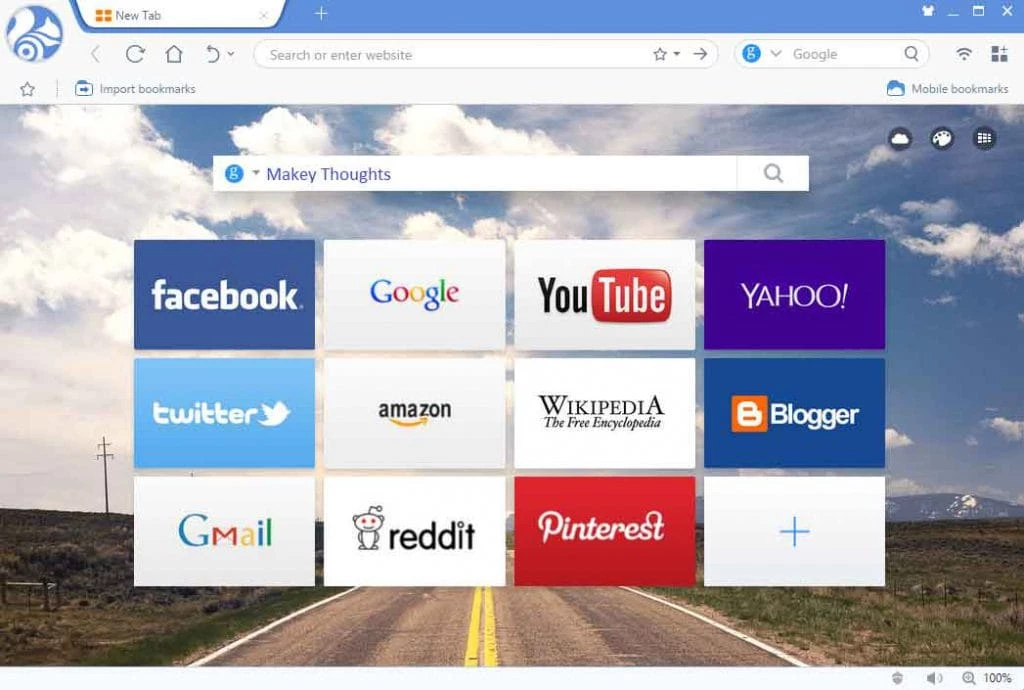
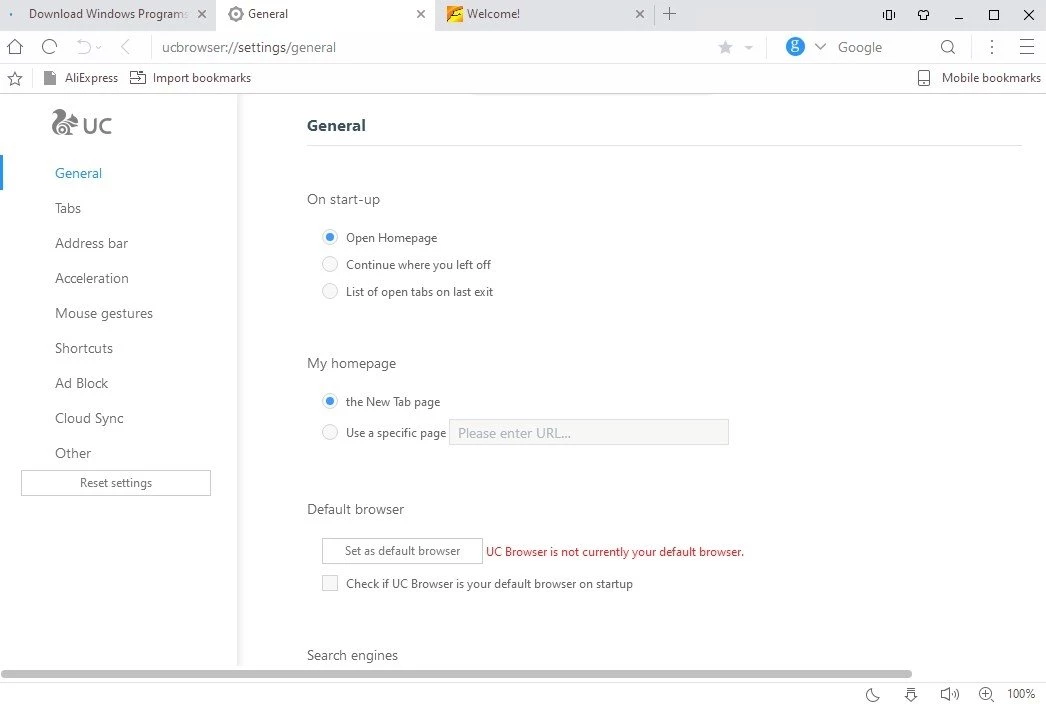
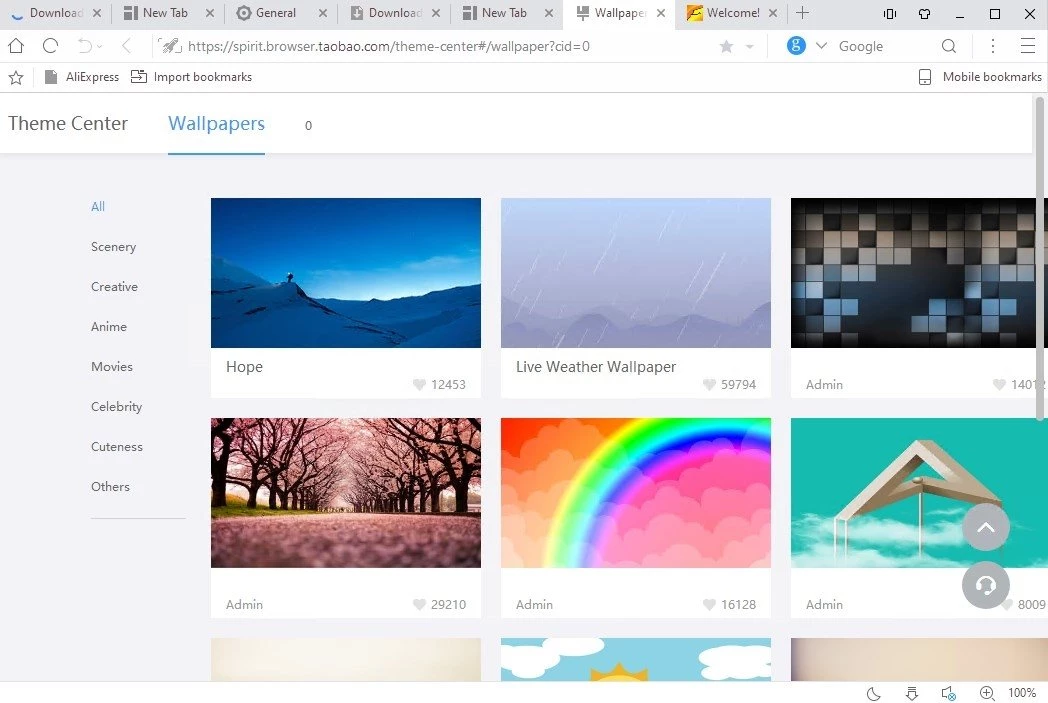
UC Browser 7.0.185.1002 is the Windows version of UC Browser, a web browser developed by the Chinese mobile internet company UCWeb. You can download UC Browser for Windows for free from the official website ucweb.com; this build was released on May 31, 2023.
UCWeb started its browser in August 2004, and it became known above all as a mobile browser: Wikidata lists versions for Android and iOS and even for Java phones, the feature phones that were common before smartphones. The Windows edition brings the same brand to the desktop for people who already use UC Browser on a phone and want a familiar name on the PC. It is a standard web browser for everyday tasks such as reading news, watching videos, working with web mail and filling in online forms. On the desktop, however, it competes with browsers that have much larger communities of extension developers and more frequent updates, so for many users it will be a secondary browser rather than the main one. If you choose it, keep it updated and review its settings once after installation.
A browser sees everything you do online, so it deserves more care than most programs. Download it only from ucweb.com, review the privacy and sync settings after the first launch, and do not save passwords for banking in any browser you are only trying out. Check that the browser keeps updating: an outdated browser is one of the easiest ways for malware to reach a PC.
Many people keep two browsers on a PC: one for work accounts and one for everything else. UC Browser can play the second role well. Sign in to personal services there, keep work tools in your main browser, and you get a simple separation of cookies and sessions without extra software. If you later decide to uninstall it, remove it through Settings and Apps in Windows and check that your default browser is set back correctly.
UC Browser for Windows is free to download and use, with no paid edition to choose between.
Our listings for Windows include Google Chrome, Mozilla Firefox, Microsoft Edge, Opera, Brave Browser and Vivaldi.
Zen Browser is a free, open-source web browser based on Mozilla Firefox, with a calm interface built around organising tabs.

Brave is a free, open-source, privacy-focused web browser built on Chromium, with ad and tracker blocking turned on by default.

LibreWolf is a free, open-source web browser based on Mozilla Firefox, maintained by the LibreWolf Community with privacy-focused defaults.

Mozilla Firefox is a free and open-source web browser developed by Mozilla, available for Windows, macOS, Linux, Android and iOS.

Opera is a free web browser for Windows from Opera Software. The stable release is 136.0.6008.22, published on 17 September 2026.

Google Translate is Google's multilingual machine translation service, used on Windows through the website and a browser extension.

Microsoft Edge is Microsoft's web browser, preinstalled on current Windows versions and available as a free download for reinstalling or updating.

Vivaldi is a free, highly customisable web browser from Vivaldi Technologies, based on Chromium and with a built-in email client. This page covers version 8.2 (4133.76).
Mozilla Firefox is a free and open-source web browser developed by Mozilla, available for Windows, macOS, Linux, Android and iOS.

Google Chrome is the free web browser from Google. The stable Windows release is 154.0.8037.58, out since 22 September 2026.

Cent Browser is a free Chromium-based browser for Windows from Cent Studio that adds mouse gestures, tab tweaks and other power-user options.